Posts & Listings
Create, edit, and manage your firearm listings — including drafts, photos, bulk uploads, and boosts.
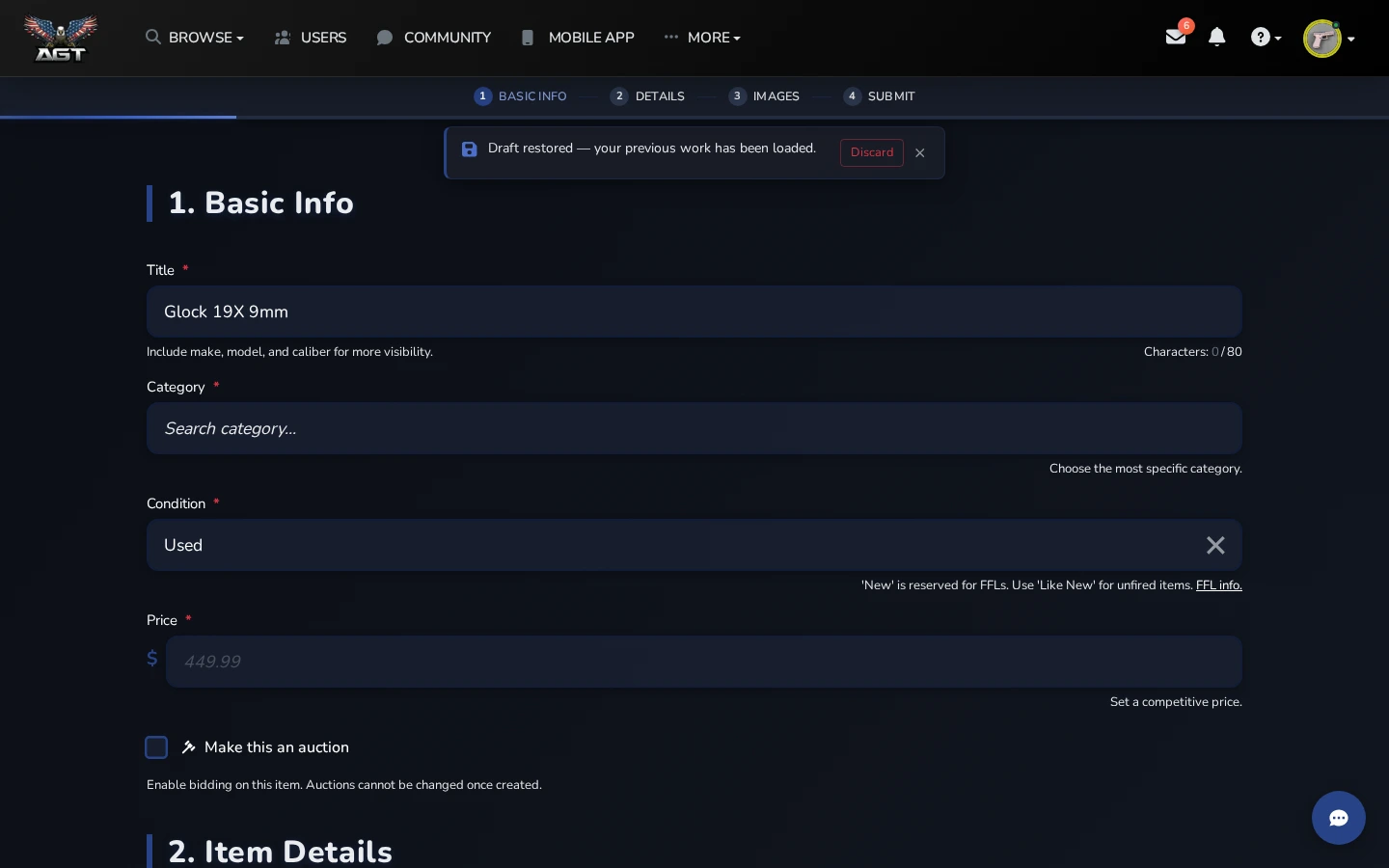
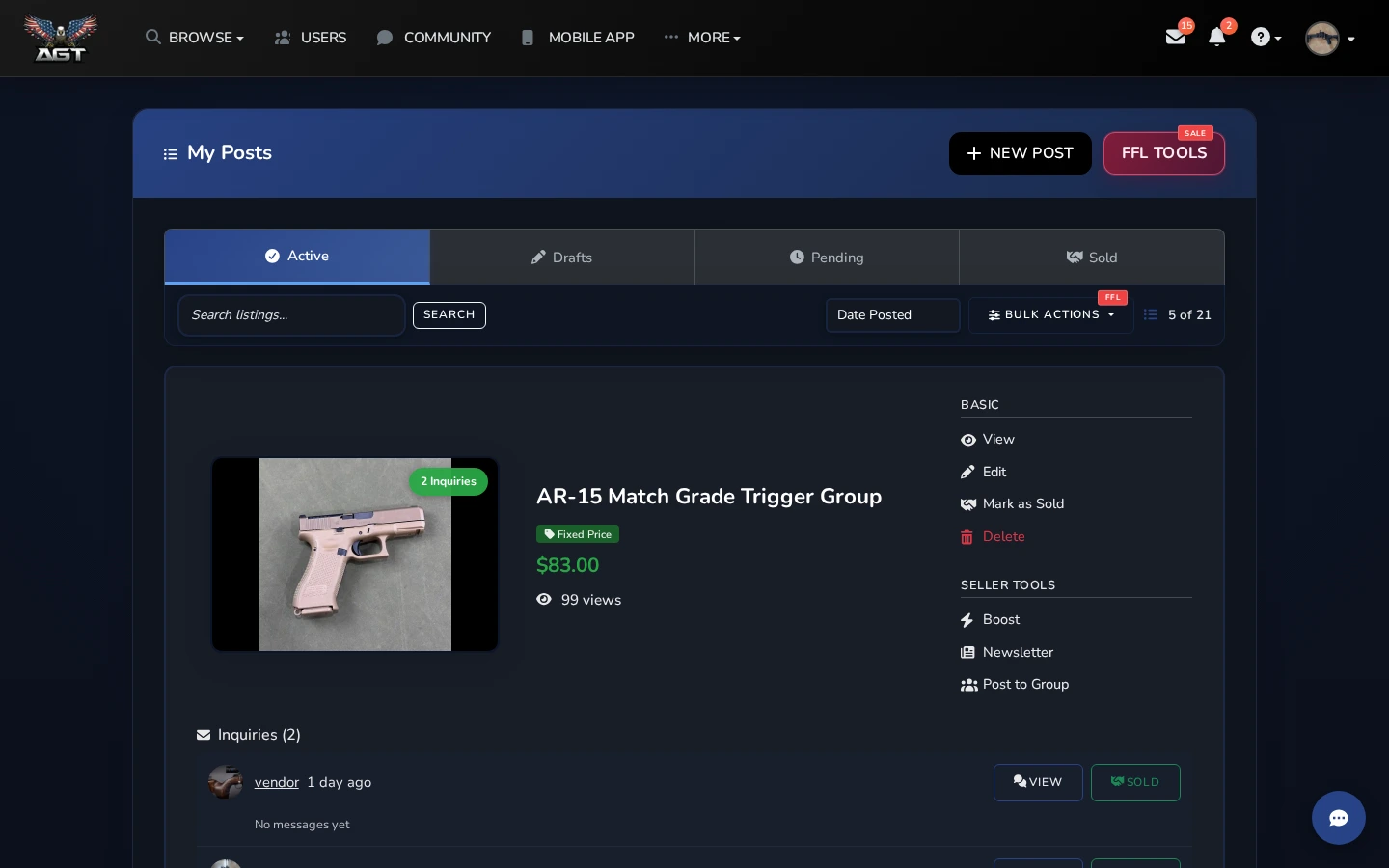
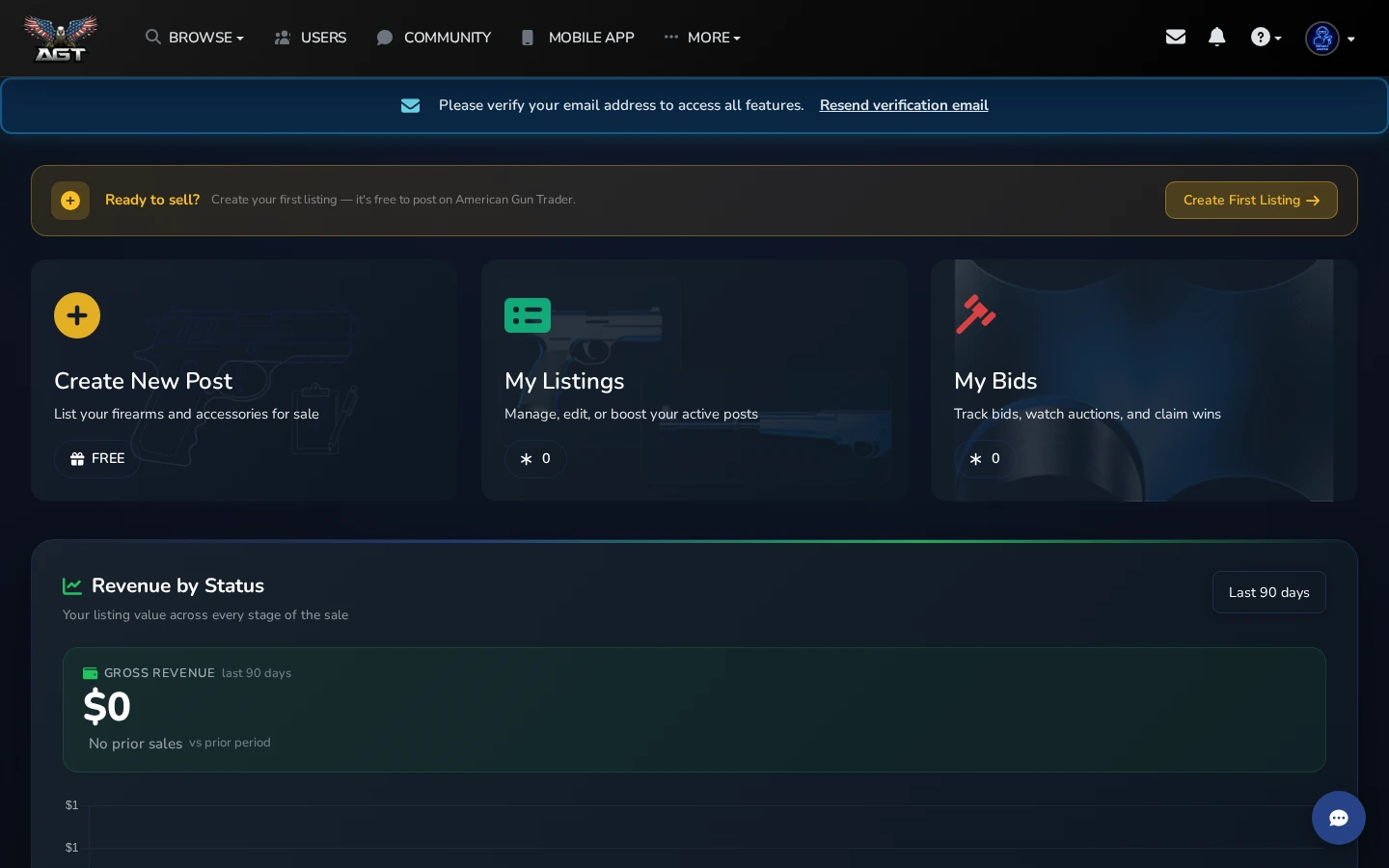
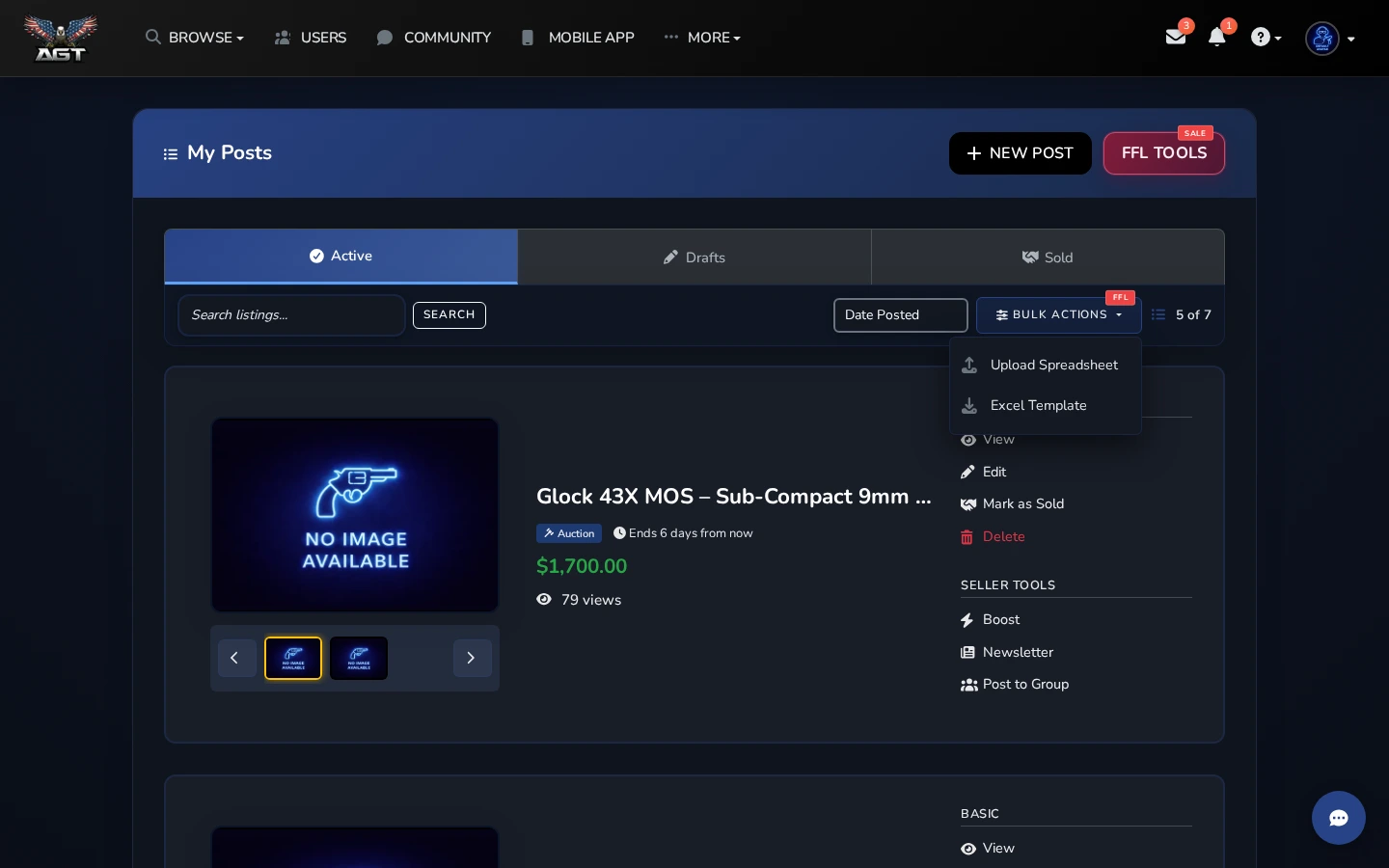
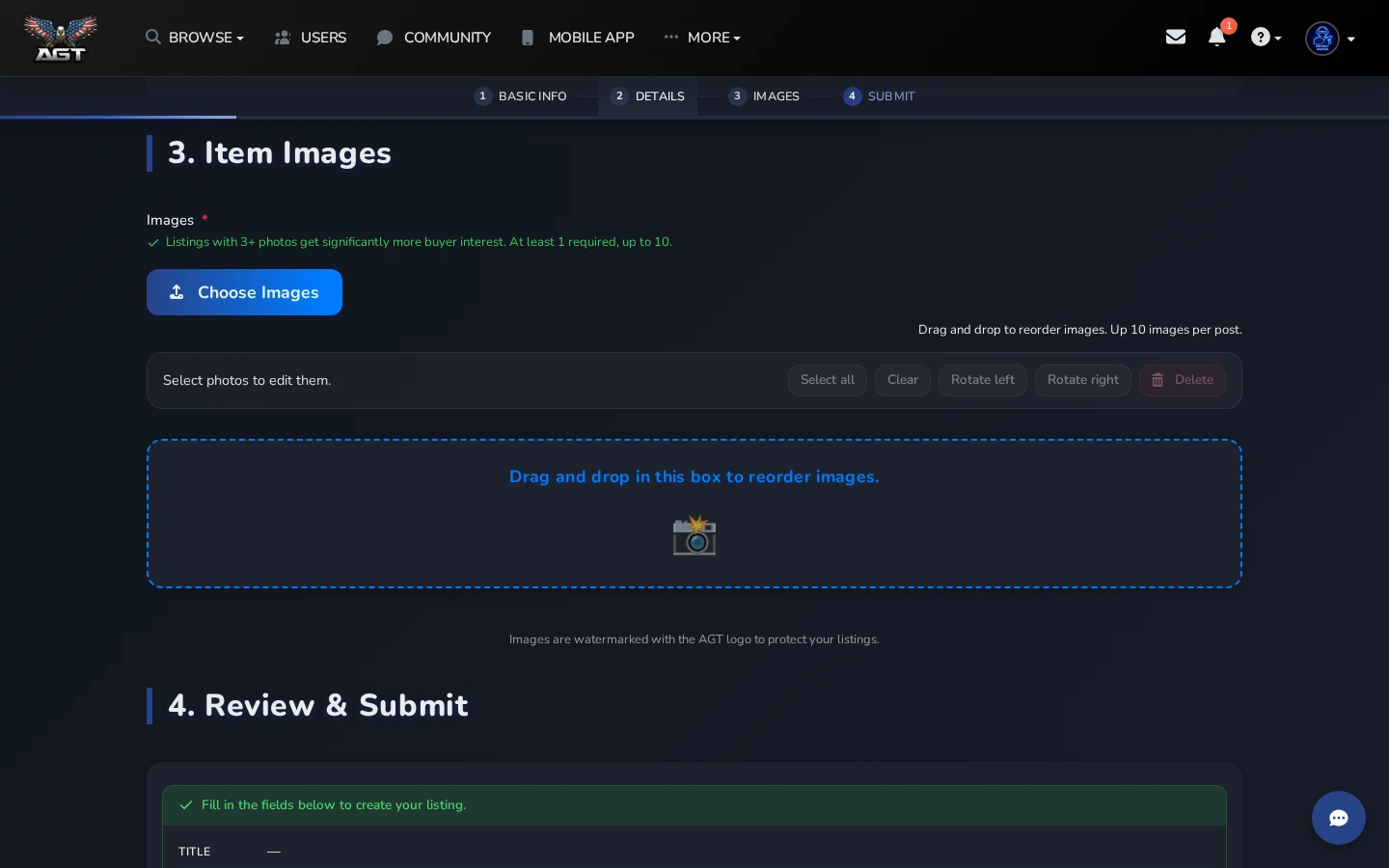
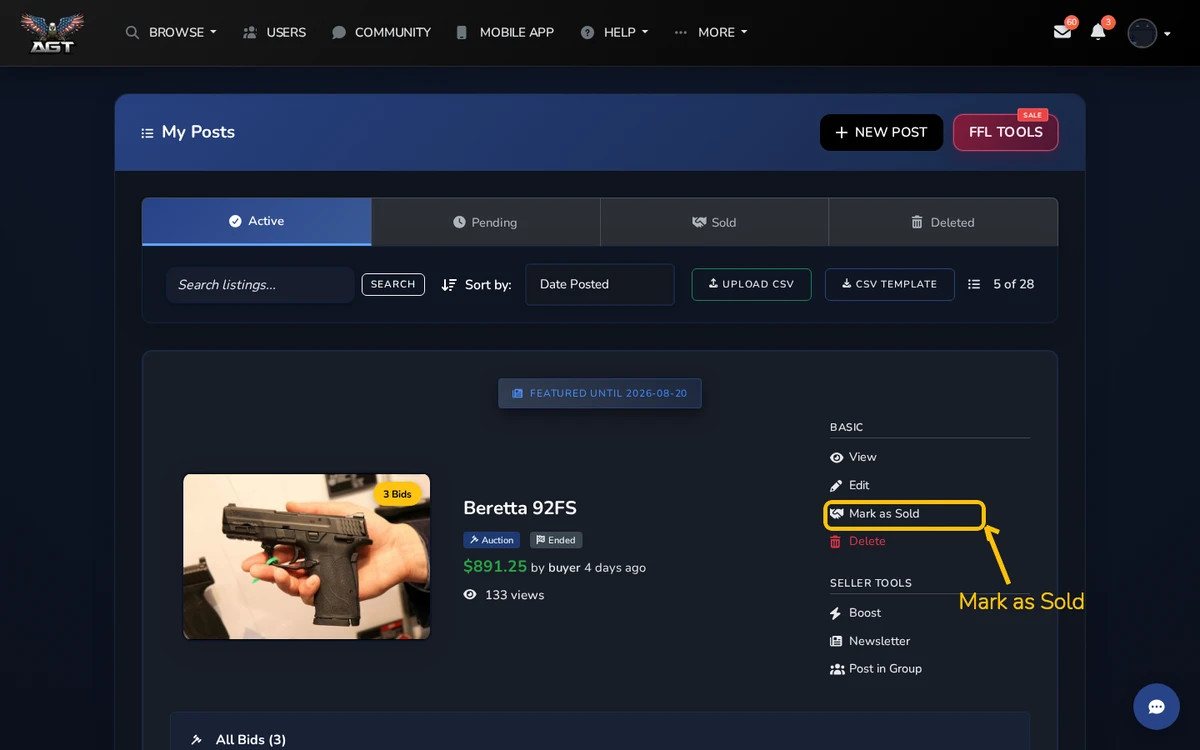
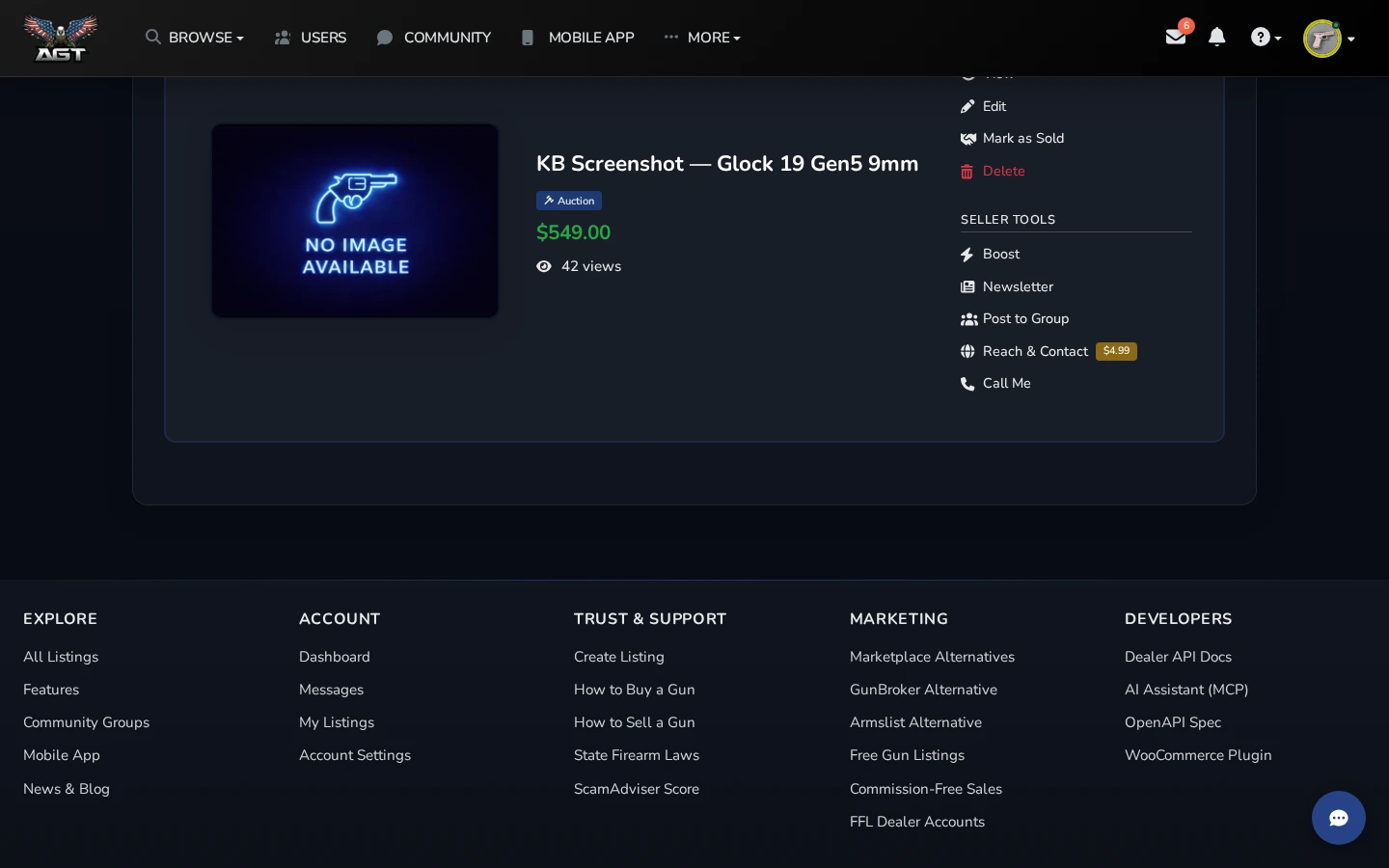
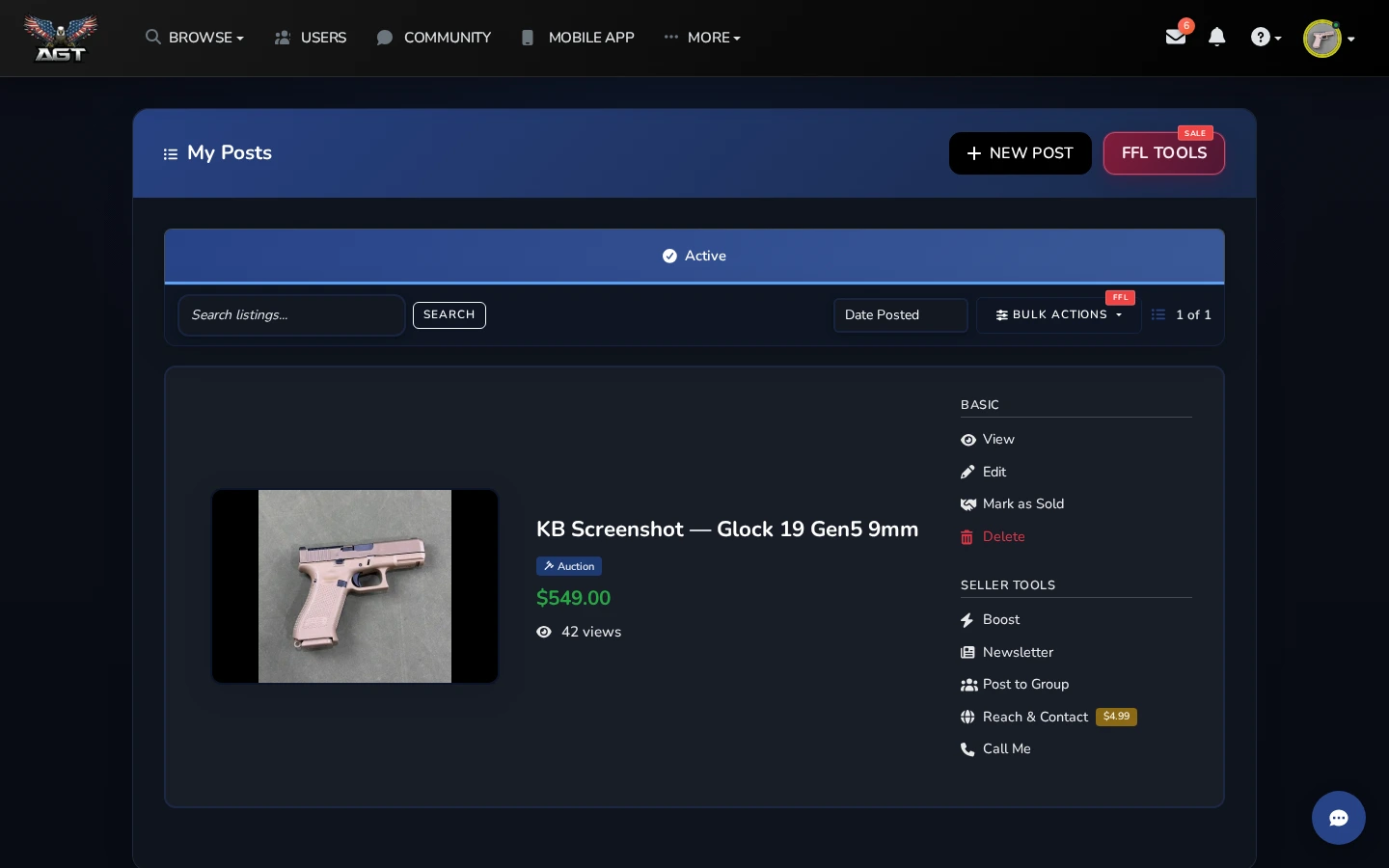
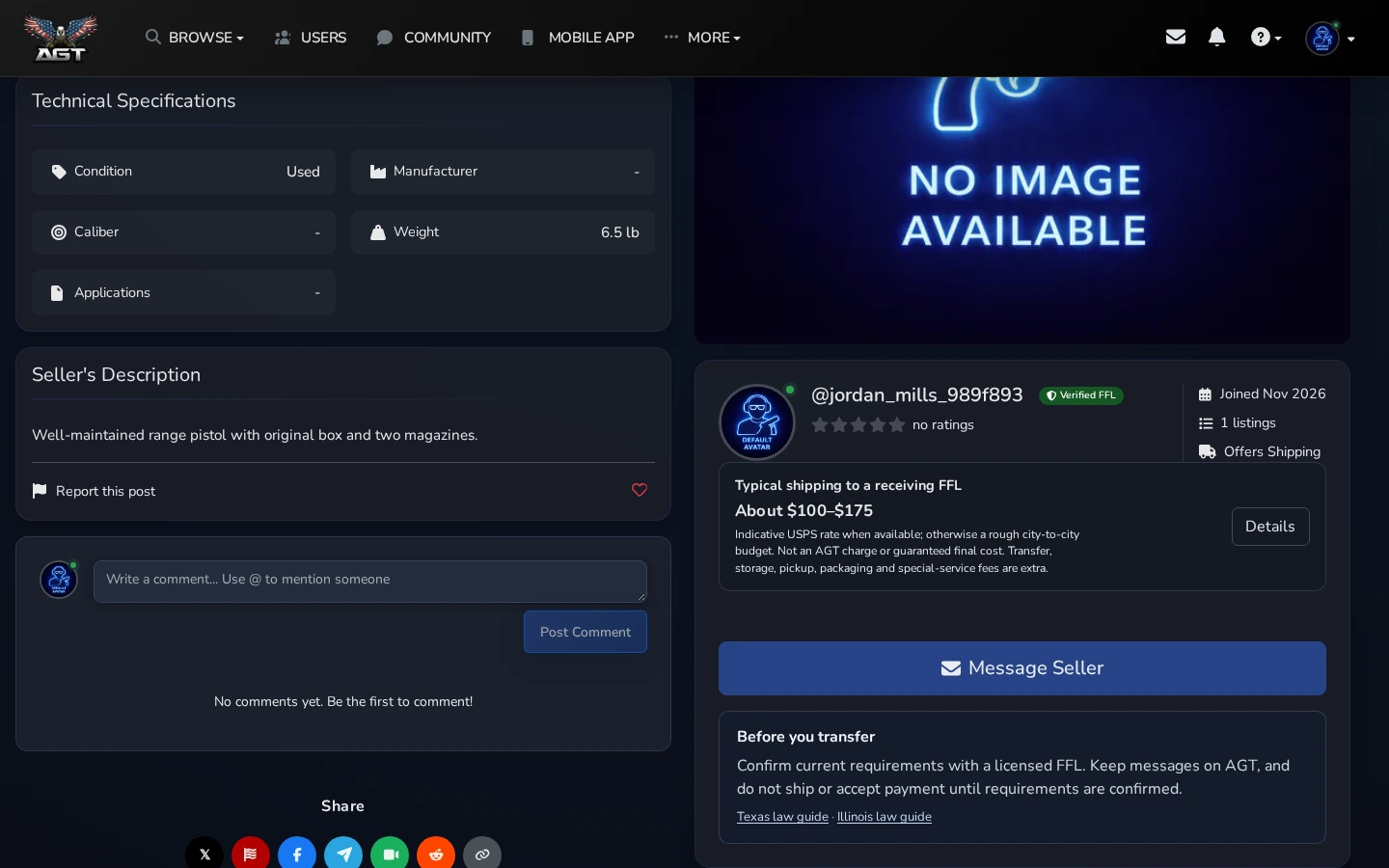
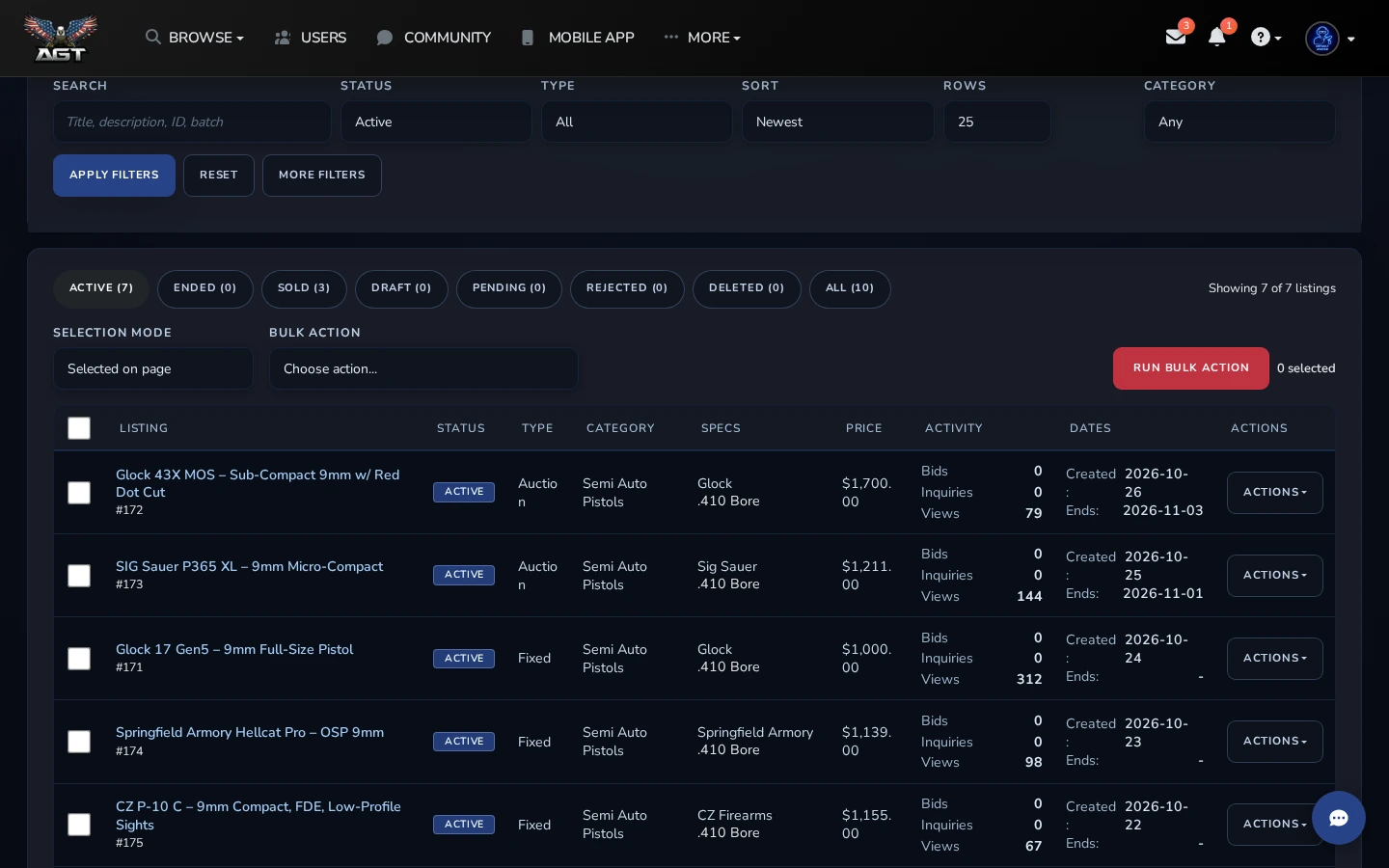
Where can you find help with Posts & Listings on American Gun Trader?
Reviewed by the American Gun Trader editorial team

This Posts & Listings hub shows how to create, edit, draft, boost, and mark listings sold on American Gun Trader — including photos, pricing, bulk spreadsheet upload, and FFL dealer tools.
Gunny's full field brief Read more Show less
Where can you find help with Posts & Listings on American Gun Trader? This Posts & Listings hub shows how to create, edit, draft, boost, and mark listings sold on American Gun Trader — including photos, pricing, bulk spreadsheet upload, and FFL dealer tools. Articles walk through the My Posts dashboard so private sellers and verified dealers can manage live ads without leaving the platform. Learn when a boost is paid placement only, and how hand-reviewed listings go live after moderation. Keep buyer contact inside moderated messaging rather than putting a phone number in the description. Use drafts when photos or descriptions are unfinished so incomplete ads do not reach buyers early. For transfer rules after a sale, open our how-to-sell pillar and state law guides. Finish the guide that matches your screen, then return to browsing or posting new and used gun classifieds.
