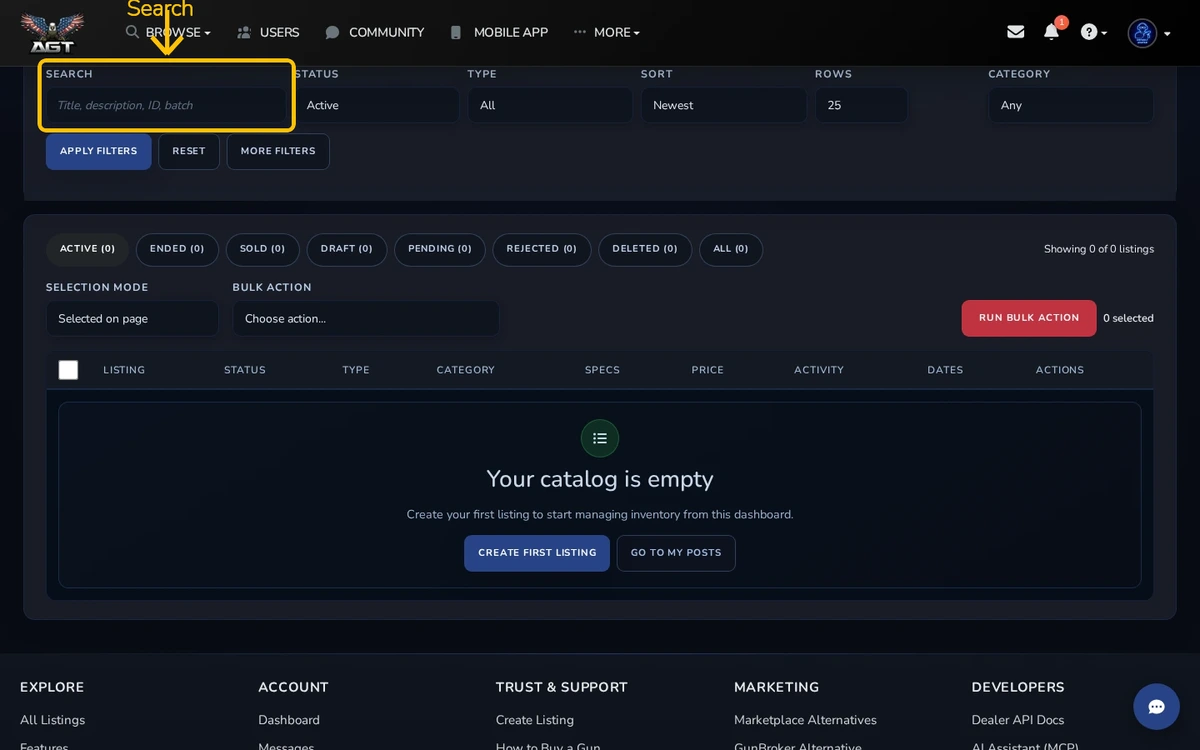
FFL Tools is the dealer workspace for finding listings, saving views, and running bulk actions.
Quick steps
- Open FFL Tools
- Filter the inventory
- Select listings and choose an action
Filter your inventory
Use the filters to narrow listings by status, category, or other available fields. Start with a small result set before using a bulk action.
Save a view
Save a filter setup when you use it often. A saved view brings back the same starting point later.
Run a bulk action
Select only the listings you intend to change. Read the confirmation text before you submit. A bulk action may affect many listings at once.