
Verifying Your Identity

Confirm your email and phone so you can post listings and message other members.

Transcript
Verification status: This page shows whether your email still needs confirmation.

Verification tips: Review the tips before requesting another message.

Resend email: Request another verification email if the first one did not arrive.

Verification tips: Review the tips before requesting another message.

Basic Settings: Open Basic Settings when you need to update your profile, phone, password, or location.

Email preferences: Open Settings → Notifications to toggle email and push independently for each event type.

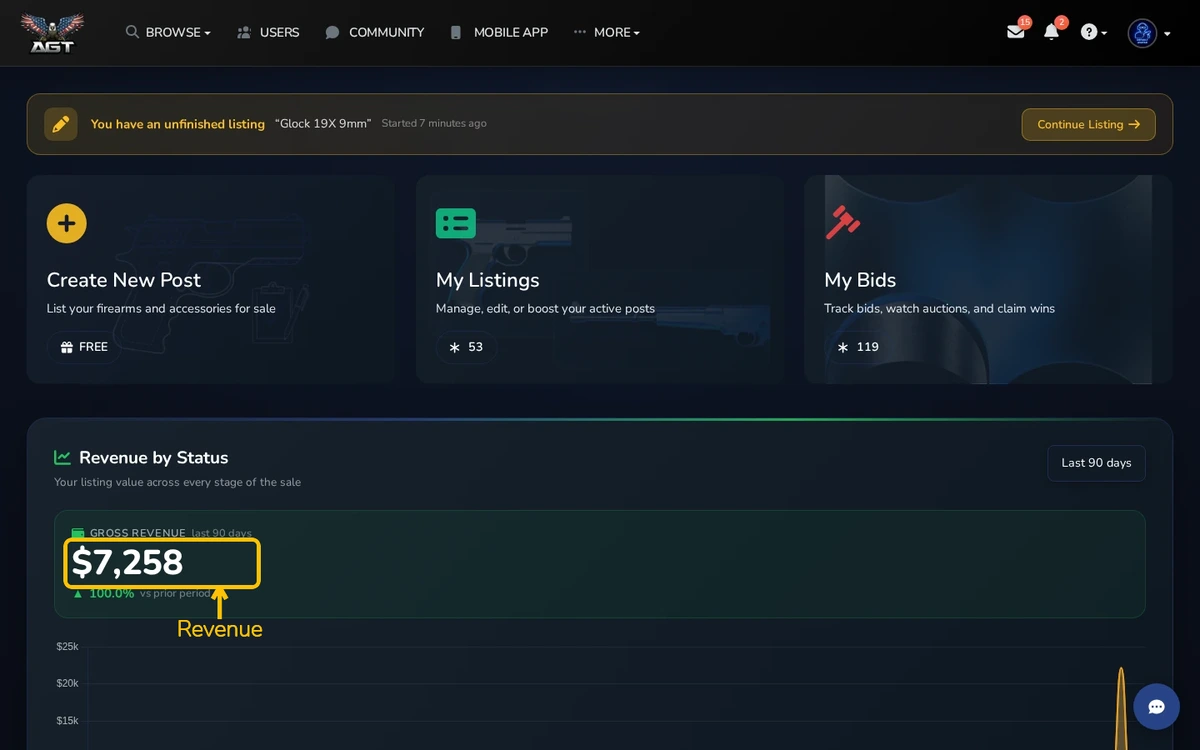
Quick actions: Use the dashboard cards to reach new listings, My Posts, and My Bids.

Email verification stops bots and scammers and protects every member. You cannot post listings or send messages until you confirm your email.

Quick steps

  1. Confirm the email we sent you
  2. Done — full access unlocked

Email verification

When you sign up, we email you a confirmation link. Click it to verify. The link expires after 24 hours — if it expires, request a new one from the verification screen. Review the verification tips before requesting another message.

Email verification page with Resend Email highlighted
If the first message never arrives, use Resend Email on the verification screen.

Email not arriving?

  • Check your spam or junk folder.
  • Add no-reply@americanguntrader.com to your contacts.
  • If you use Gmail, drag one of our emails out of Spam into your Inbox to allowlist us.
  • Still nothing? See email delivery problems.

Why we require verification

Unverified accounts are the source of most scam attempts. Requiring email verification keeps the marketplace clean for everyone.

Phone number (optional)

A US mobile number is not required to use the platform. Add one in Settings → Basic if you want to share your phone safely in one-on-one messages after it is verified.

See Sharing My Contact Details for how contact sharing works and why typing phone numbers in chat is blocked.
Common questions

What does the Help Center say about Verifying Your Identity?
This Help Center article explains Verifying Your Identity step by step for American Gun Trader users — private sellers, buyers, and verified FFL dealers. Follow the instructions in the body to complete the task inside your account without sharing passwords or payment details in public channels. When a task touches firearm transfers, confirm federal, state, and local rules separately using our state law guides and how-to pillars. Prefer moderated on-platform messaging so scam contact patterns stay out of the deal, and treat hand-reviewed listings as the commerce path — not public group threads. Users remain responsible for lawful compliance on every sale even when the platform moderates reports. If the screenshots or menu labels differ slightly after a platform update, the underlying workflow usually remains the same — contact support from your account if you are stuck.
Why do I have to verify my email?
Email verification cuts down on spam and bot accounts and protects buyers and sellers from scams. You need a verified email to post listings and send messages.
My verification email never arrived. What now?
Check your spam folder, allowlist messages from americanguntrader.com, then request a resend from the verification screen.
How do I add a phone number for contact sharing?
Add a US mobile in Settings → Basic and complete the SMS verification code. Phone Share contact requires possession proof, not just a valid format. Same-state Share contact unlocks after both of you have a cleared reply and may use platform balance. Interstate Share contact is free after FFL agreement and the firearm is at the dealer. See Why can’t I share my phone number? in the Help Center.