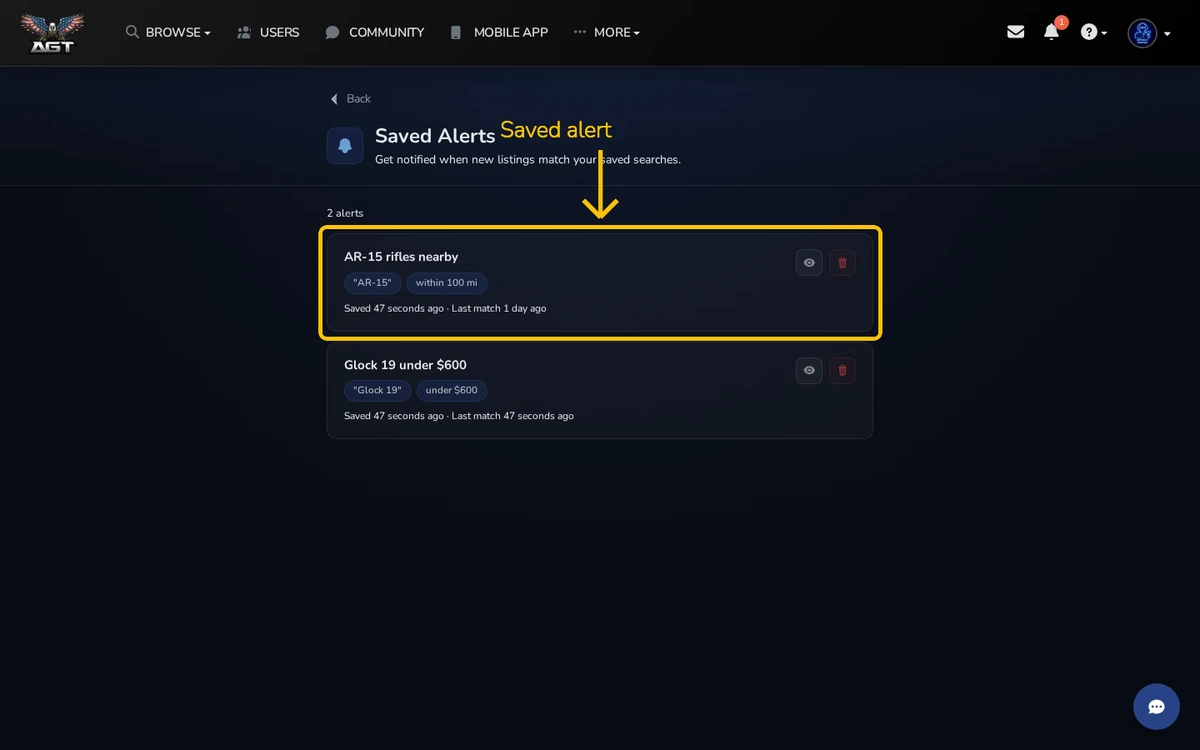
Saved Alerts watches a search for you. When a new listing matches, we send an alert.
Quick steps
- Run a search for the item you want
- Choose Save Search
- Open Saved Alerts to edit or remove it
Save a search
Set the filters you care about, such as category, maker, caliber, state, or price. Save the search when the results look right.
Manage your alerts
Open Saved Alerts from your account. You can review the filters, change the alert name, or delete an alert you no longer need.
What to expect
An alert tells you that a new match exists. Open the listing and check its details yourself before contacting the seller.



