Transcript
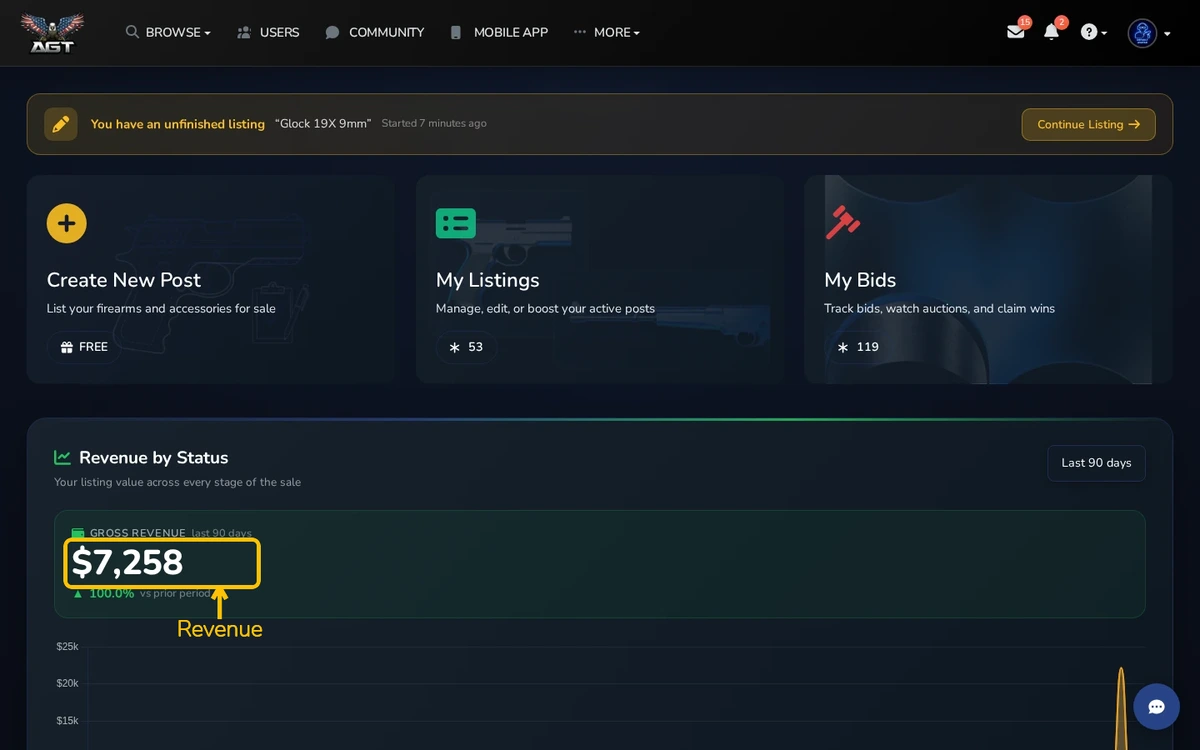
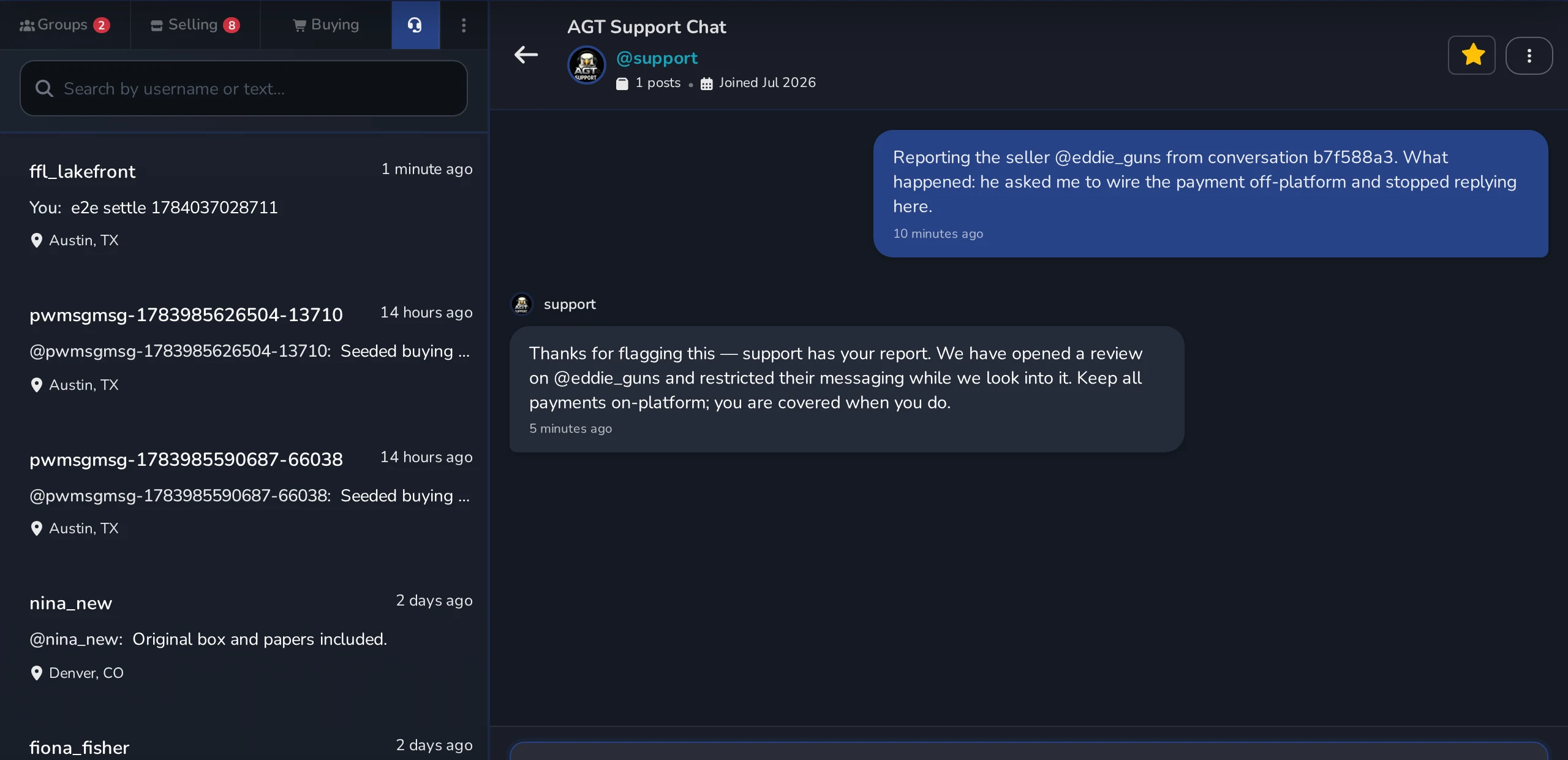
Support hub: Support is where you open a request or jump into @support chat.

Support form: Priority tickets start here for FFL-verified accounts.

Choose a topic: Pick the area that best matches billing, listings, or messaging.

Short subject: Write a concise subject so Support can route the ticket quickly.

Describe the issue: Fill in details so Support can act without back-and-forth.

Send the request: Submit opens the ticket. This tour does not send a request.

Support hub: Support is where you open a request or jump into @support chat.

Support: Open Support when you need a human after reading a message or alert.
Support lets you ask a question, attach useful details, and track the reply in your account. Start with the closest topic, a short subject, and clear details.
Quick steps
- Open Support
- Describe the problem with useful details
- Read replies in My Issues
Send a request
Choose the closest topic, write a concise subject, and explain what happened. Include the listing, conversation, or invoice number when one is involved. Do not include a password or secret token. This article does not send a request.
Track a request
Open My Issues to see open and closed requests. Reply in the same thread so the support team can see the full history.
Safety problems
For a scam, threat, or unsafe transaction, report the user or listing as well as contacting Support.