Transcript
Inbox tabs: Choose Selling for buyers of your listings, Buying for listings you contacted, or Groups for conversations you joined.

Inbox tabs: Choose Selling for buyers of your listings, Buying for listings you contacted, or Groups for conversations you joined.

Search: Search by username or message text to find a conversation quickly.

Open thread: Tap a conversation to open the full thread and read its latest preview.

Thread context: Read the conversation context before replying. For contact sharing or FFL selection, check the buyer and seller states first.

Reply here: Type in the message box at the bottom of the open conversation, then send.

Send: Choose Send when your message and any photos are ready.

Support: Open Support when you need a human after reading a message or alert.
As the seller, you decide whether to take an offer, counter, or wait for something better.
Choose Selling for buyers of your listings, Buying for listings you contacted, or Groups for conversations you joined. Search by username or message text to find a conversation quickly. Tap a conversation to open the full thread and read its latest preview. Type in the message box at the bottom of the open conversation, then send. Choose Send when your message and any photos are ready. Open Support when you need a human after reading a message or alert.
Quick steps
- Open the listing or the message thread with the offer
- Review the offer amount and any seller notes
- Accept, reject, or counter
Non-auction (Buy It Now) offers
For fixed-price listings, buyers can message you with an offer below your asking price. You can accept, reject, or counter with a different price in the message thread.

Auction listings
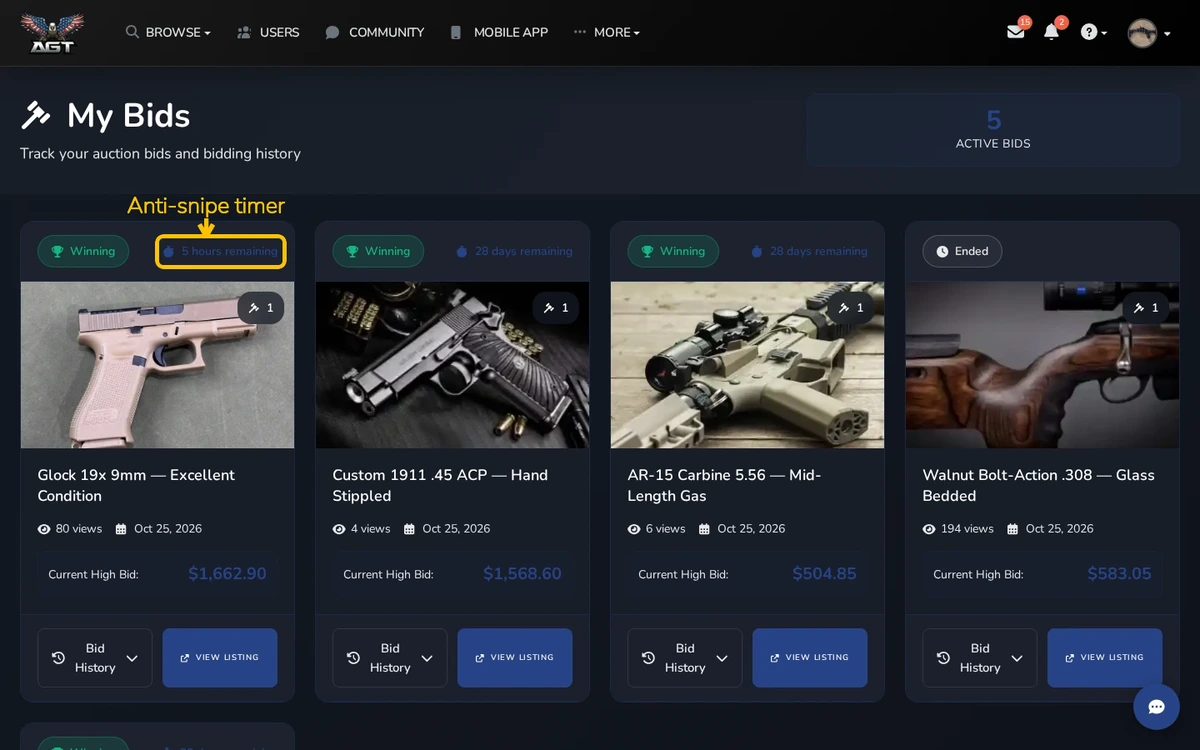
Auctions are different — the highest bid at end of auction wins automatically, and you have already agreed to sell at that price. You do not accept or reject individual bids.
Countering an offer
Reply in the message thread with your counter price ("I can do $475"). The buyer can accept, decline, or counter again. There is no limit on rounds — but more than 3-4 rarely closes a deal.
When to walk away
- The buyer wants to pay outside the platform → reject and report.
- The offer is far below market and the buyer will not budge → polite no, move on.
- Something feels off → trust that feeling. Read our scam prevention tips.