A passkey lets you sign in with your fingerprint, face, or security key instead of typing a password.
Quick steps
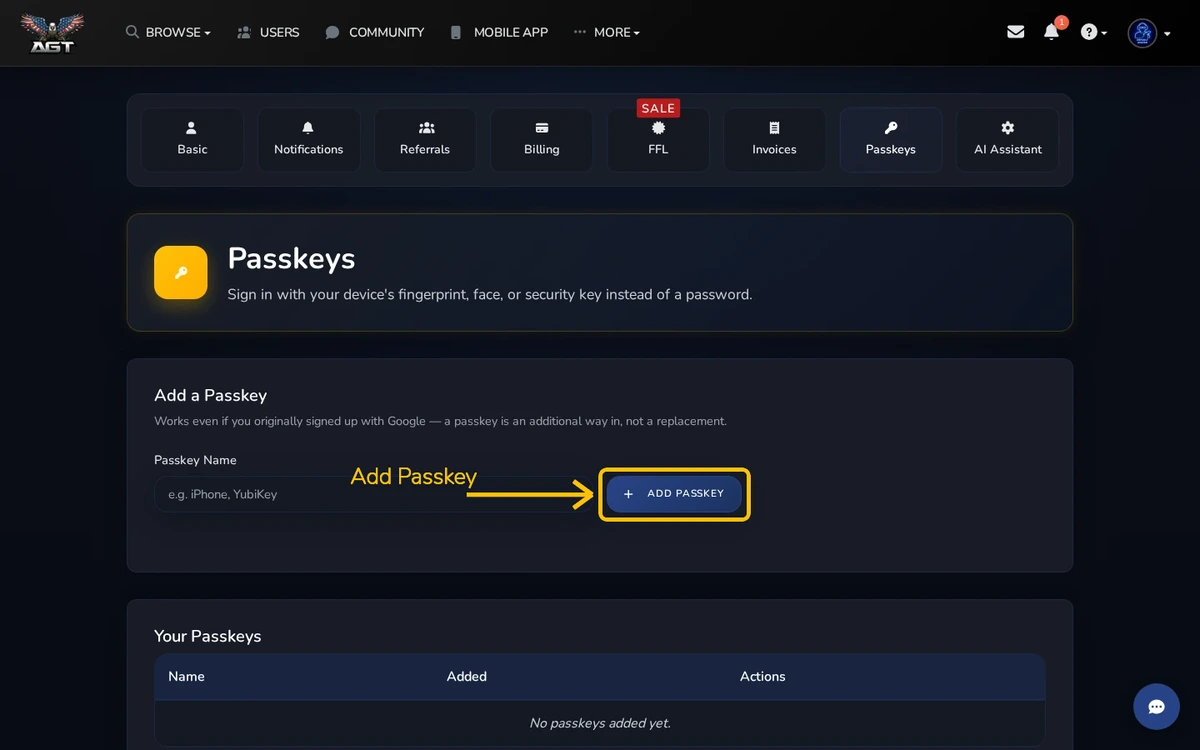
- Open Settings → Passkeys
- Name the passkey and choose Add Passkey
- Follow your device prompt
Add a passkey
Use a name that tells you which device or security key it belongs to. Your browser or device will ask you to confirm with its normal unlock method.
Use it to sign in
Choose the passkey option on the sign-in screen and follow the device prompt. Keep another recovery method available before removing your only passkey.
Remove an old passkey
Remove a passkey when you no longer control that device. Do this promptly if a phone or security key is lost.



