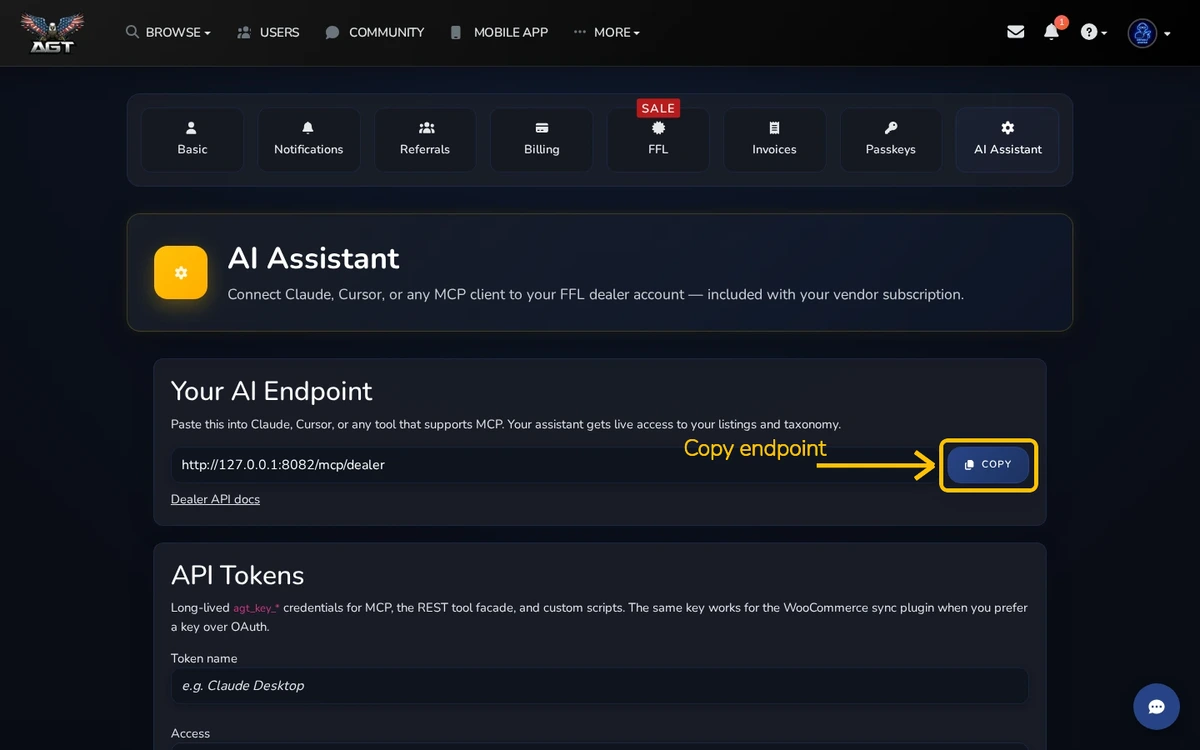
Dealers can connect Claude, Cursor, or another MCP client to their FFL account from AI Assistant.
Quick steps
- Open Settings → AI Assistant
- Copy the MCP endpoint
- Create a named dealer key and follow the setup tab for your client
MCP endpoint
Copy the endpoint into your MCP client settings. Keep the matching dealer key private.
Dealer keys
Give each key a name you will recognize. Choose the access level that matches what the client needs. Revoke a key when that client is retired.
Client setup
Use the setup tabs for Claude Desktop, Cursor, or Claude on the web. Paste the endpoint and key where your client asks for them.



